
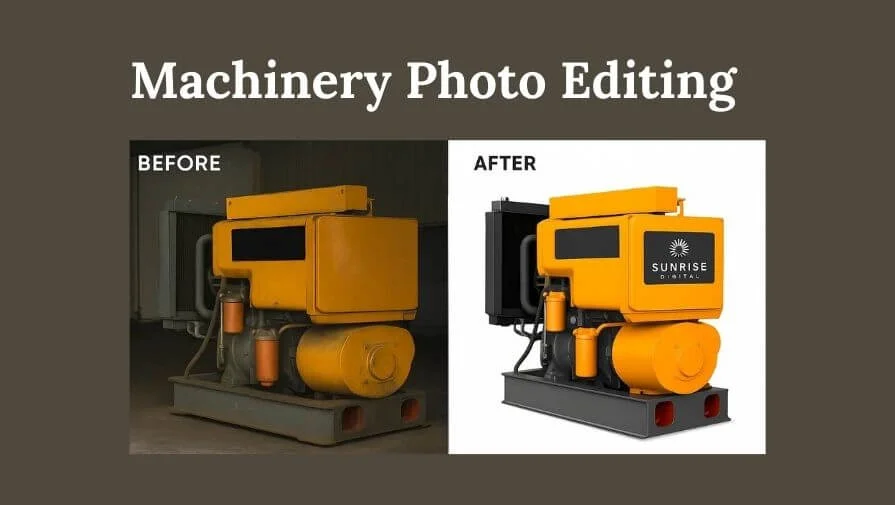
First impressions matter in today’s digital world, especially for industrial machinery. Online customers can’t touch or inspect machines. That’s why high-quality images are your business’s face. This is where machinery photo editing comes in. Well-edited photos not only make your equipment look professional but also help attract and convert potential buyers.
What is Machinery Photo Editing?
Machinery photo editing is the process of enhancing photos of industrial equipment to make them visually appealing and accurate. This can include tasks like:
- Background removal or replacement
- Color correction and enhancement
- Adding shadows and reflections for realism
- Highlighting key machine features
- Removing dust, scratches, or distractions
Why Machinery Photo Editing Matters
In a showroom, customers can see and touch machines, but online, they only have photos to go by. That’s why editing machinery images is so important. For example,
- Builds trust: Clean, professional images signal quality and reliability.
- Highlights features: Makes complex equipment easier to understand.
- Improves marketing materials: From brochures to catalogs and e-commerce listings, strong visuals help your products stand out.
Imagine browsing a catalog with dull or cluttered images—would you feel confident buying? Professional industrial equipment photo editing ensures your machines look their best. Now that we understand why machinery photo editing is important, let’s look at the most common techniques to make your photos stand out.
Key Machinery Photo Editing Techniques
Here are the most important editing methods to make your machinery photos stand out:
1. Clipping Paths
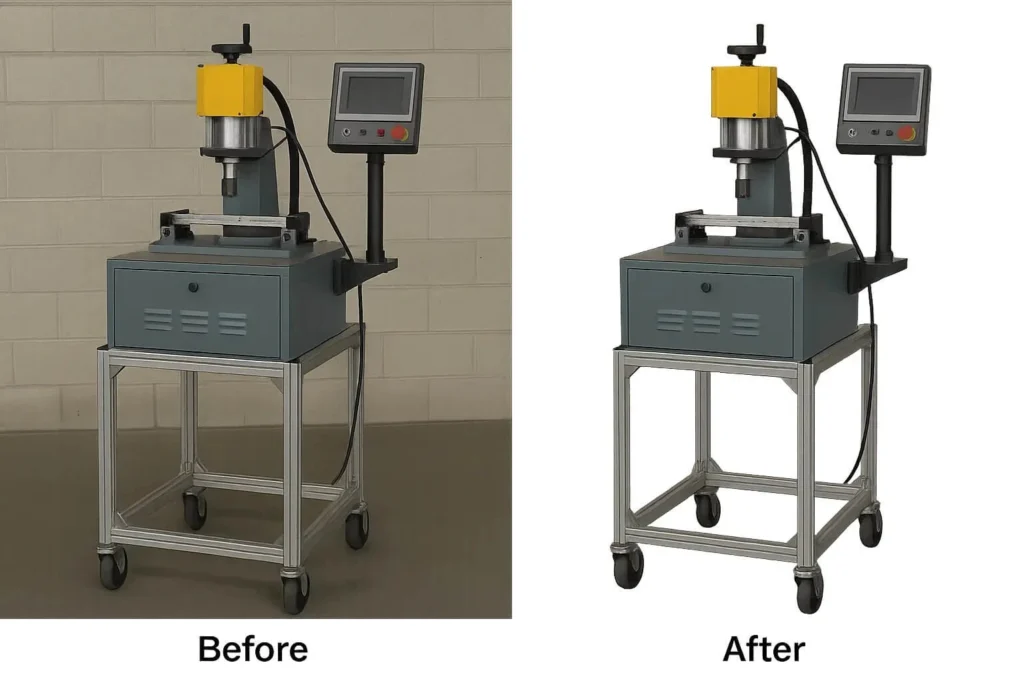
Most industrial machines and equipment have sharp, solid edges. A clipping path helps editors cut out the machine from its original background with accuracy. This makes the photo look clean and professional, without unwanted surroundings.
Once the subject is separated, you can place it on a plain background (white, transparent, or custom) depending on where the photo will be used. It’s one of the most common methods for product images, especially for e-commerce and catalogs.
2. Photoshop Image Masking
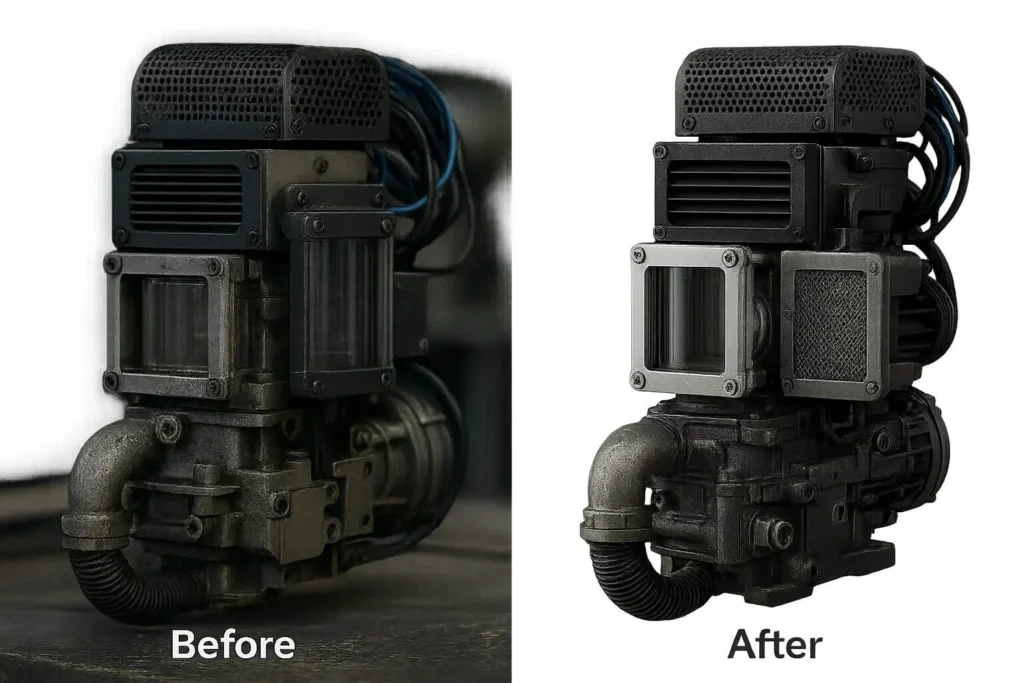
Not all machinery parts have sharp edges—some may include wires, grills, mesh, or transparent surfaces like glass covers. In such cases, image masking works better than clipping paths.
Image masking allows editors to keep even the tiniest details intact while removing or changing the background. It’s also useful for machines with complex shapes, ensuring nothing looks cut off or unnatural in the final photo.
3. Background Removal or Replacement
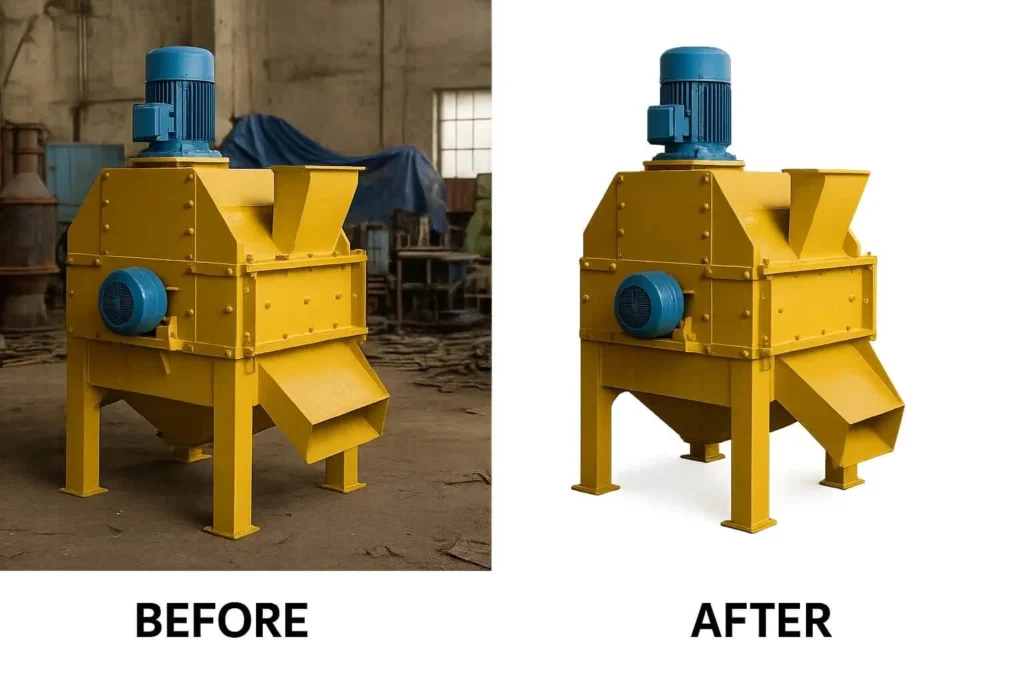
Many online stores and B2B marketplaces require machinery photos on a white or transparent background. This keeps the product as the main focus and removes distractions.
With a clean background, your photos are ready for multiple uses—websites, brochures, ads, or digital catalogs. It helps customers focus on the machine’s features and makes your images look professional.
4. Color Correction
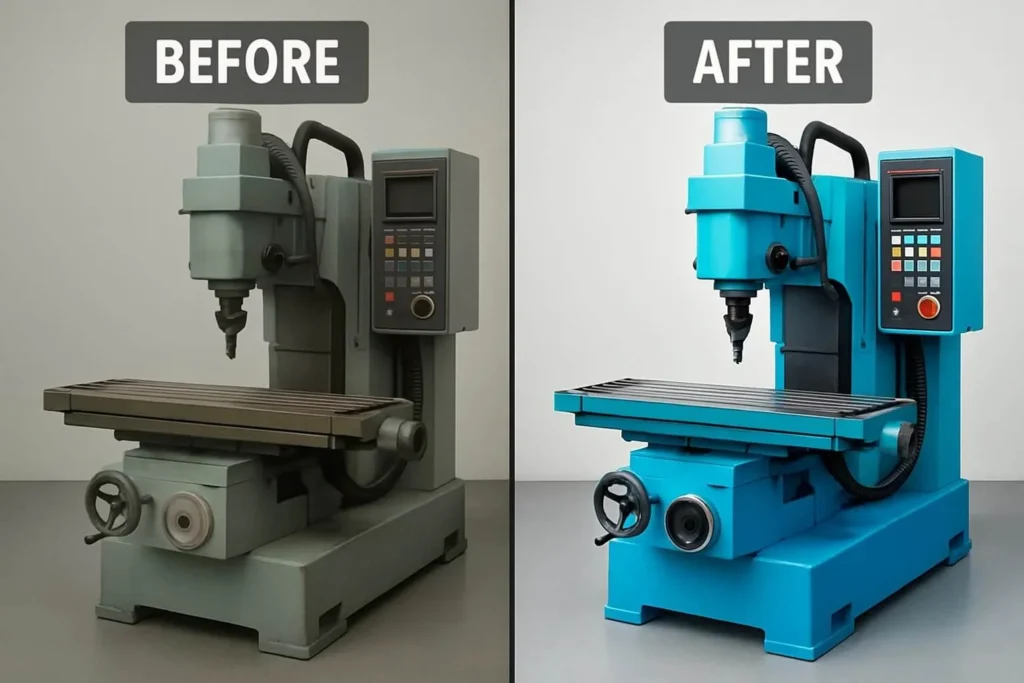
Cameras don’t always capture machinery colors accurately. Poor lighting or dust on the machine can make photos look dull or different from reality. Color correction fixes this by adjusting brightness, contrast, and vibrancy so the machine looks sharp and appealing.
It also removes any unwanted color tints. For marketing, this makes a big difference—accurate colors build trust, while slightly enhanced tones make your machines look more polished and premium.
5. Image Manipulation
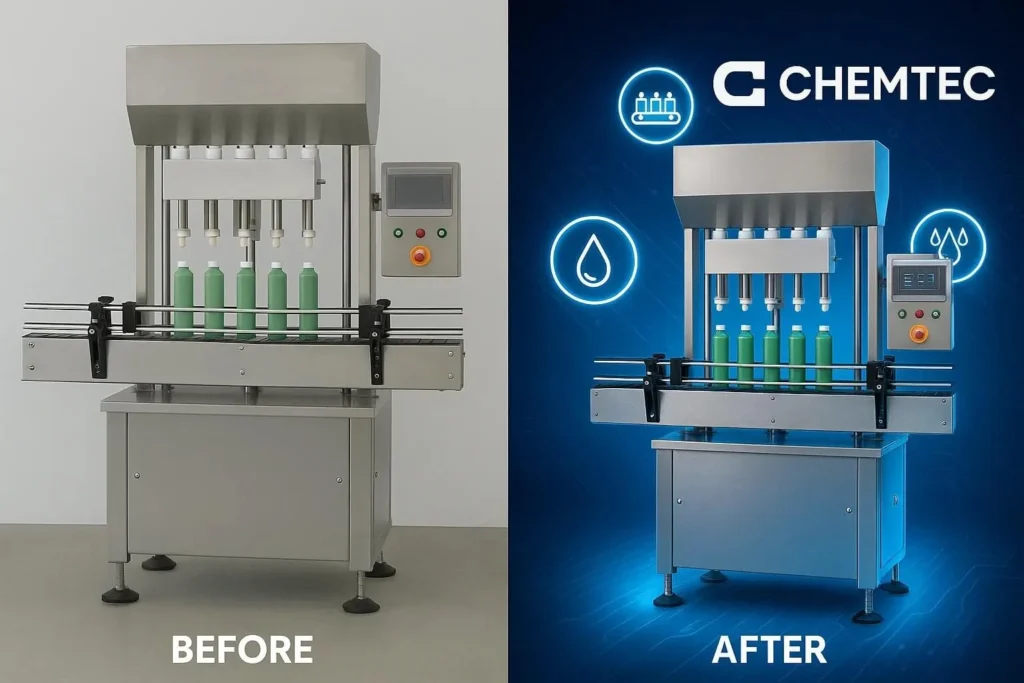
Sometimes, plain product photos are not enough to grab attention. That’s where image manipulation comes in. With this technique, editors can add creative elements to the photo. For example, if your machine performs multiple functions, you can showcase them visually by adding effects, icons, or floating objects.
You can also add your company logo, labels, or a custom background. This makes the machine stand out and shows its purpose. It works well for ads, brochures, and presentations, not just plain product photos.
6. Shadow Implementation
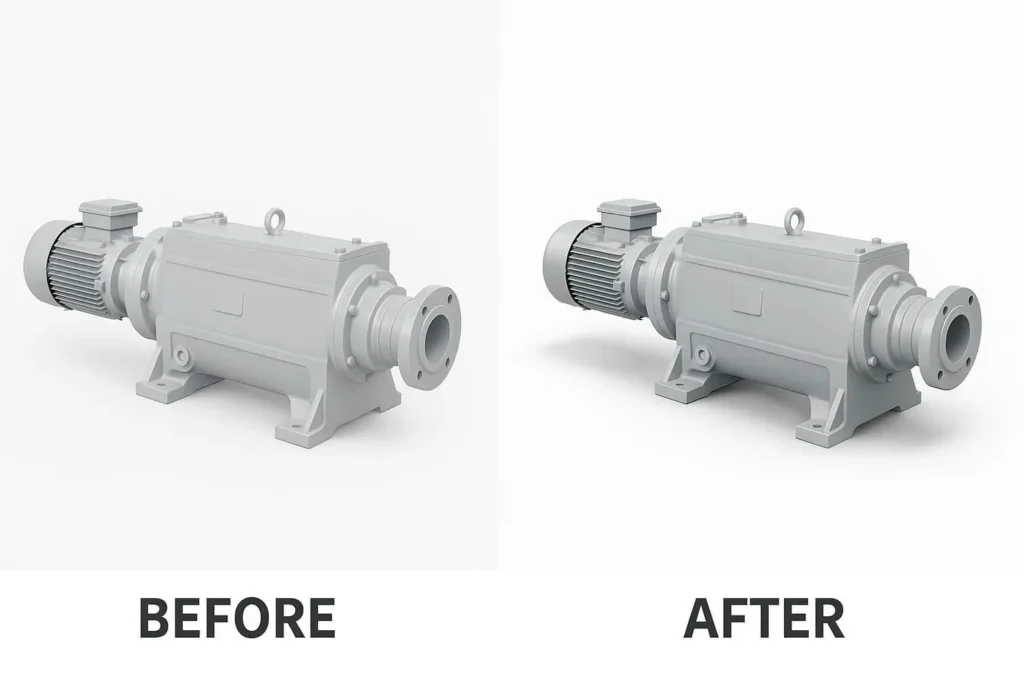
A product photo without shadows often looks flat and unrealistic. Shadows give machinery a natural and three-dimensional appearance. When backgrounds are removed, editors can add drop shadows, natural shadows, or reflection shadows to make the machine look like it’s placed on a real surface.
This small detail can make your product images look professional and trustworthy, especially for online listings where customers can’t physically see the machine.
Pro Tips for Machinery Photo Editing
- Equip the machinery properly before shooting.
- Capture multiple angles and choose the best shots.
- Avoid over-editing; keep images natural and professional.
- Remove unnecessary objects or background distractions.
- Use creative editing mainly for brochures, websites, or advertisements.
- Highlight important machine sections with tags or labels.
- Add realistic shadows to complete the look.
Conclusion
Whether for online marketing, catalogs, or presentations, professional machinery photo editing makes your equipment look polished, trustworthy, and visually compelling. High-quality edited photos not only attract more clients but also help you close more sales by showcasing your machines in the best light.
If you want your industrial equipment to stand out and make a lasting impression, contact us today for expert machinery photo editing services. Our team ensures precise clipping, masking, color correction, shadow implementation, and creative enhancements tailored to your products—so your machines always look perfect online and in print.
Frequently Asked Questions
Any mechanical device that reduces human effort, whether hand-operated or powered, counts as machinery or equipment.
It depends on the size and type of the machine. It’s best to hire professional photographers to capture your machinery clearly.
Edited photos improve presentation, attract more clients, and increase conversions. To ensure your photos start off strong, photographers can follow Industrial Photography Essentials: Gear, Techniques & Safety Tips for tips on capturing high-quality machinery images.